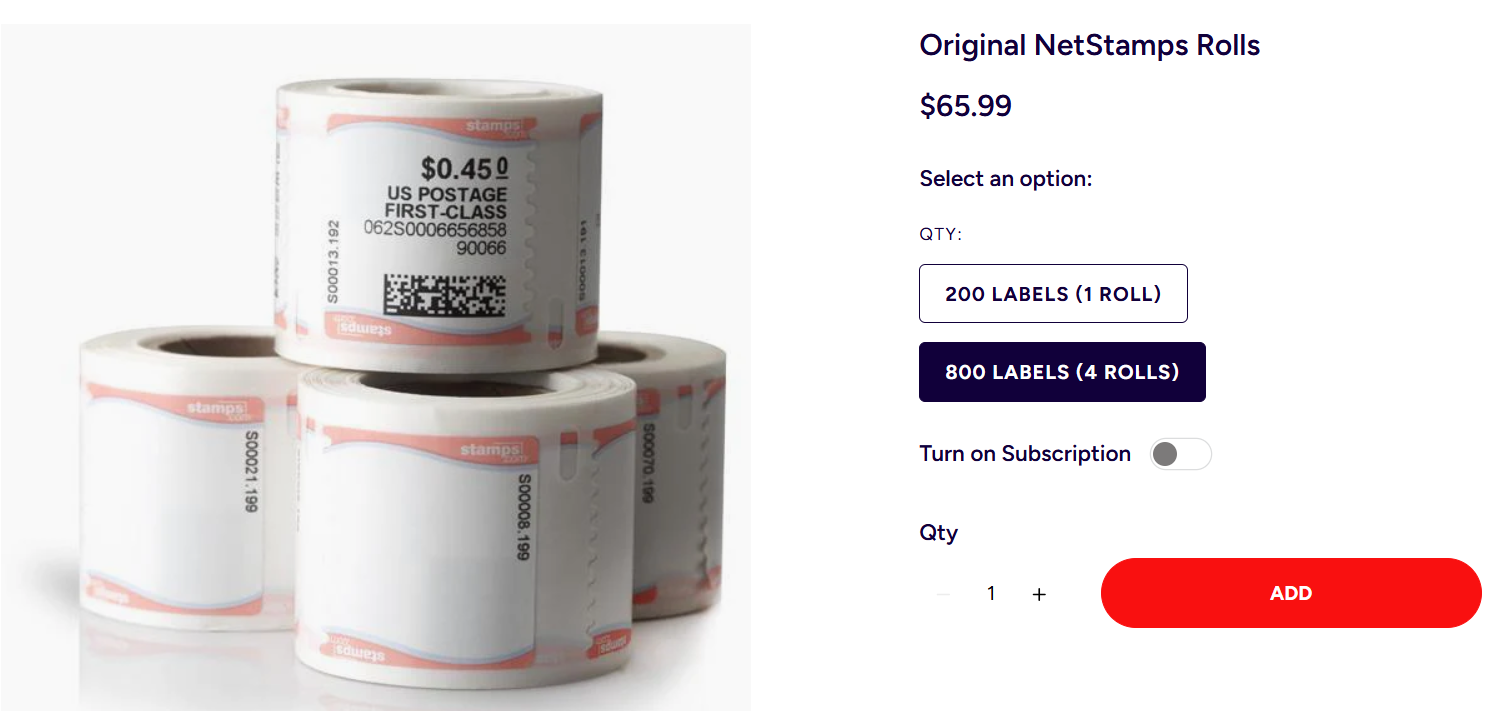
CPCS uses Stamps.com for our postage needs at all our offices less Boston.
Each staff person or office has its own account with Stamps.com and a unique log-in and password. In addition to printing stamps, users are able to add postage to their account, and order supplies.
To add postage, please first reach out to [email protected] to request additional funds, as all meters are currently locked from self-service funding. From this request, Finance can review our current fiscal year budget as well as the user’s historical spend and provide you with an authorized amount, of which the user can subsequently add to their meter
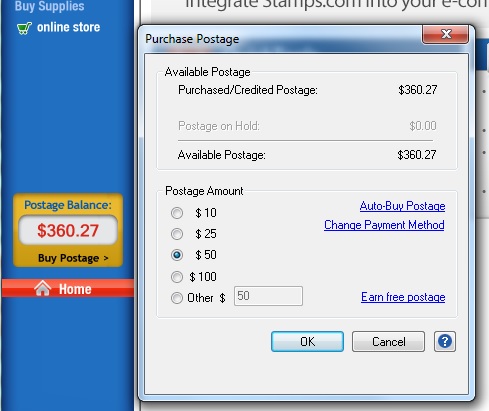
Click on “Buy Postage” underneath your postage balance. A dialog box will pop up asking how much to add.
To buy stamp rolls or other supplies, please visit https://supplies.stamps.com/
Purchase 4 at a time to save money.
Please refer to Staples Business Advantage for any other supplies since we do not purchase any shipping supplies from Stamps.com beyond stamp rolls/scales/thermal printers.