CPCS IT is working to build a new, agency-wide case management system to replace CASEY, TRIS, and CMS. The code name for this is “Project Zeno.”
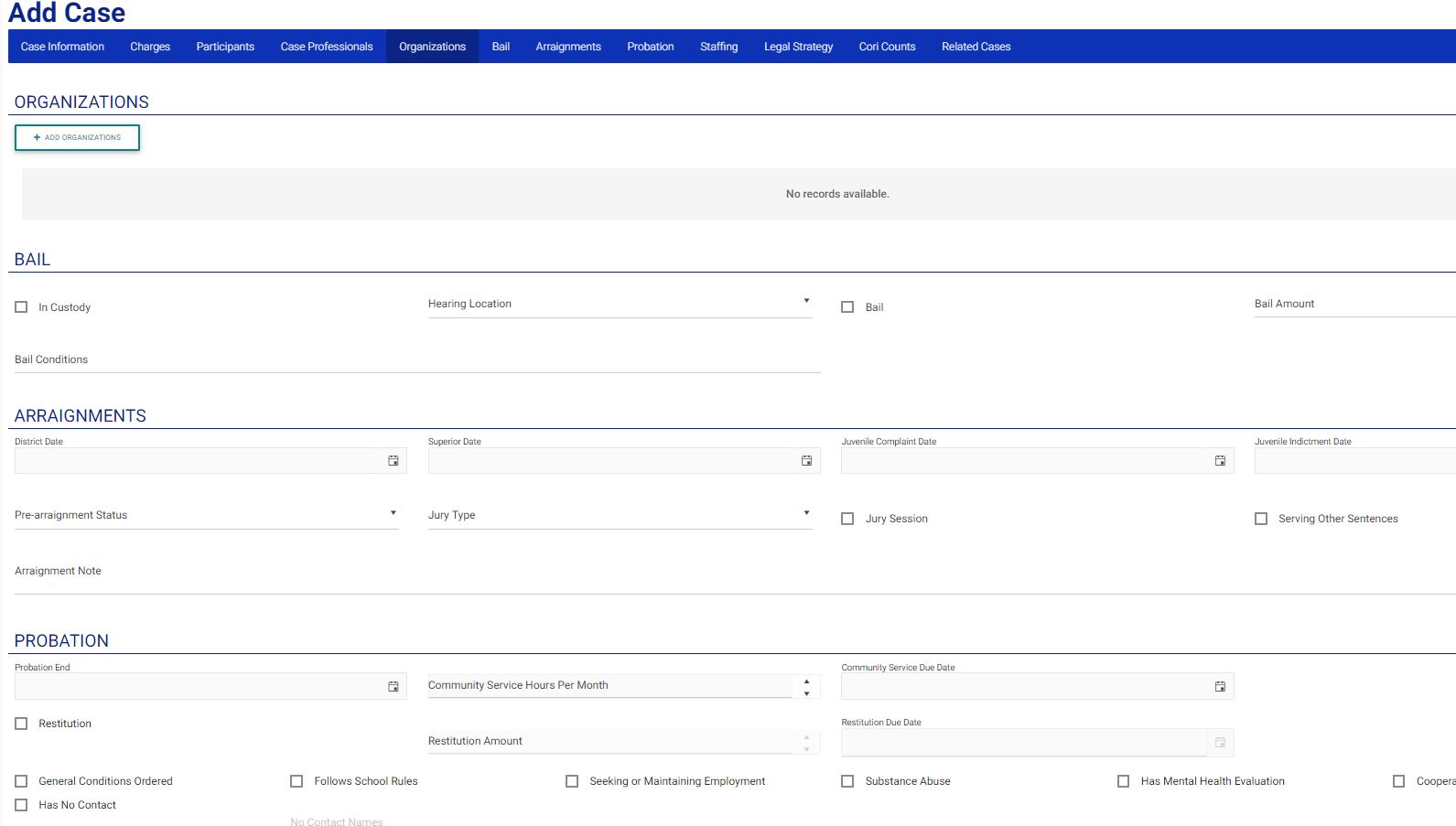
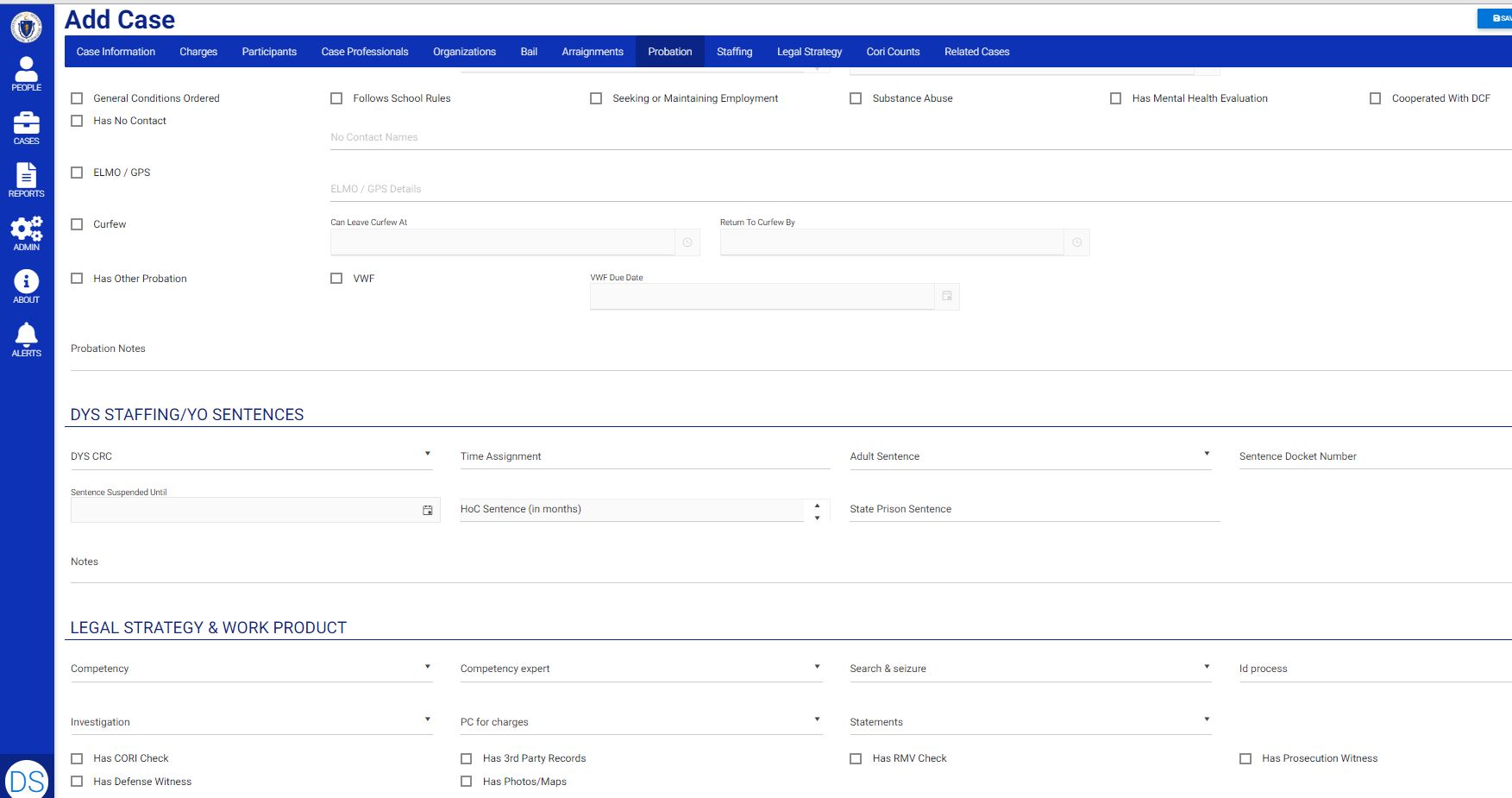
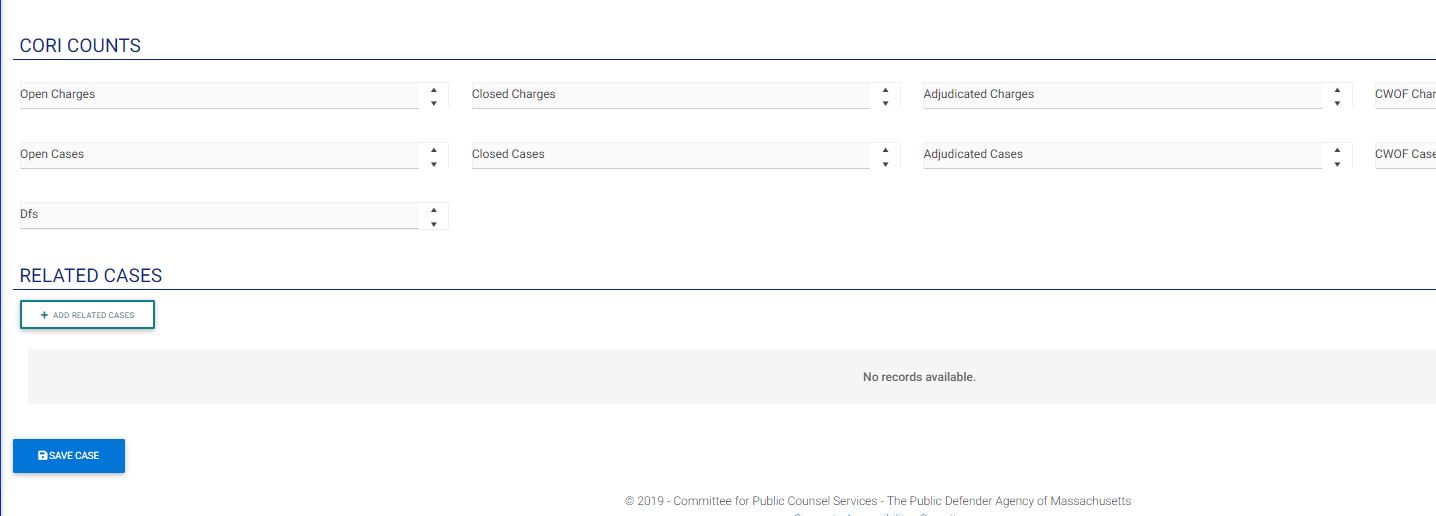
Screenshots are at the bottom of this blog post. To enlarge them, click on the image.
Problem
- Three case management systems that don’t support all division, incompatible data architectures and inconsistent data standards, inconsistent and duplicative data, mediocre to poor design and usability, antiquated security/permissions models, poor search and reporting, and antiquated technology.
- Difficult to use on phones or tablets.
- The systems were not designed to address an organization of the size and complexity to which CPCS has grown.
- Poor support for the integrated office strategy or staff taking multiple different case-types.
Importance
- Not serving our clients and staff. Inefficient, inaccurate, complex, confusing with poor performance and reliability.
Solution: Project Zeno
- A modern case management system taking the best elements from existing systems while introducing new elements to address key gaps and built to support all
- Search that is consistent, fast, accurate, and allows simple and complex searches.
- Designed to change and grow as the Agency’s needs and strategies change and grow.
- Consistent navigation with navigation bars that allow staff to jump to the section that interests them.
- Scaling to address our much larger/complex organization than when the original systems were designed.
- Better data-driven decision making and improved reporting through consistent data, enforcement of data entry standards and simpler, more visual reporting tools.
- Clean, consistent data.
- Modern developer models and technology, and drawing on the resources of external experts in data design and management, security, user interface/user experience (UI/UX), development, etc.
High-Level Steps Remaining:
- Complete current develop cycle
- User testing (one month process)
- Bugs – discovery of show stopper or other bugs
- Features – did we miss any key EXISTING features from the current systems
- New feature requests will be added for later releases (after production)
- Fix bugs and address missing, existing features.
- Complete development of training roll-out training to staff before product release.
- It is important to ensure that key users are thoroughly conversant in how to use Zeno.
- Figure out the name for the new system (Zeno is only a code name).
- Migrate all data from the existing systems into Zeno and release Zeno into production.
- Staff will not have to re-enter data or add existing files. They will all be brought over from the old systems to the new ones.
- The old case management systems will be kept running in read-only mode (i.e., they can be referenced but no new data can be added) for at least a year.
Dashboard or Landing Page

People search – many different fields to make searching easier. Finds clients, witness, professional staff, police, etc.
Case search
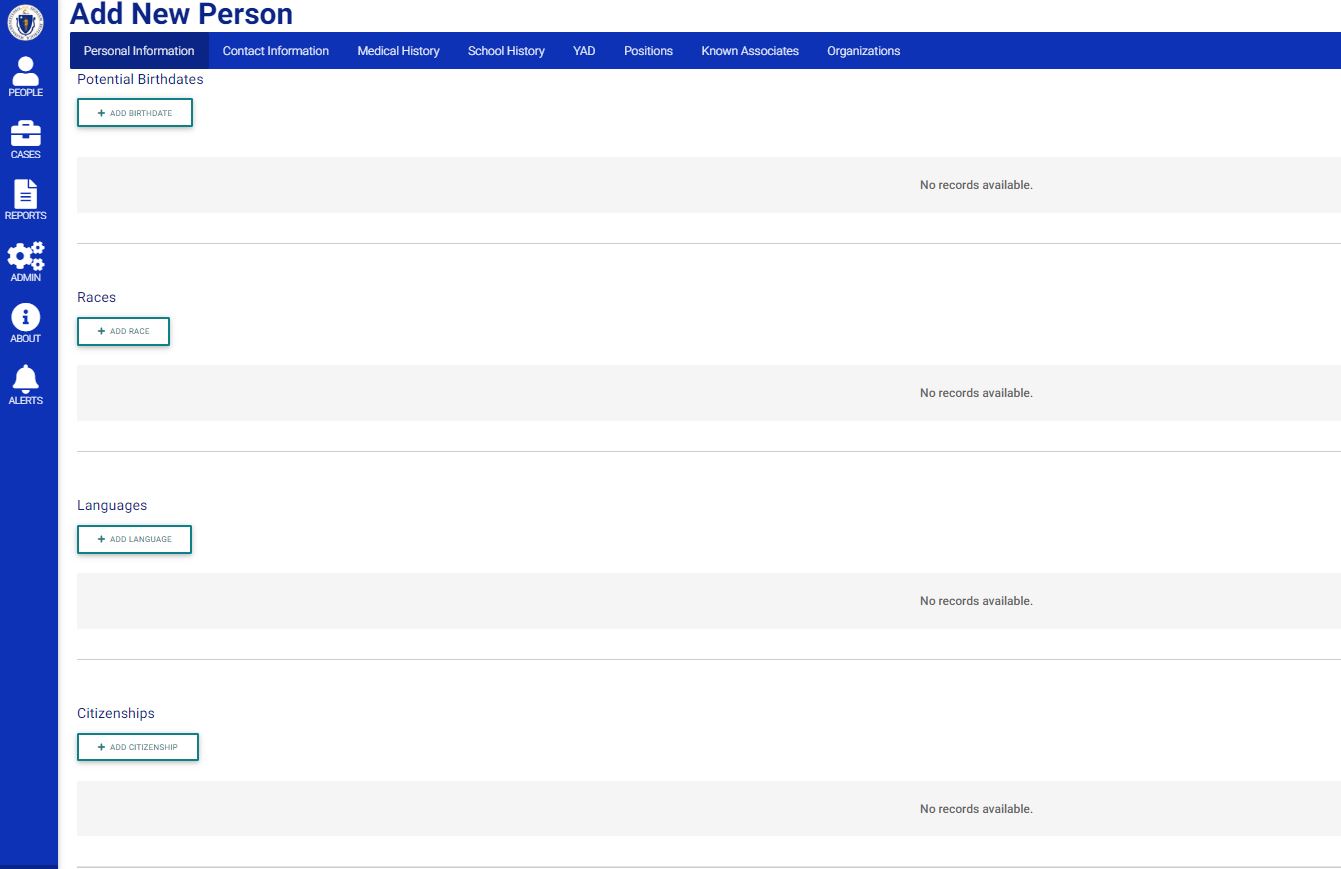
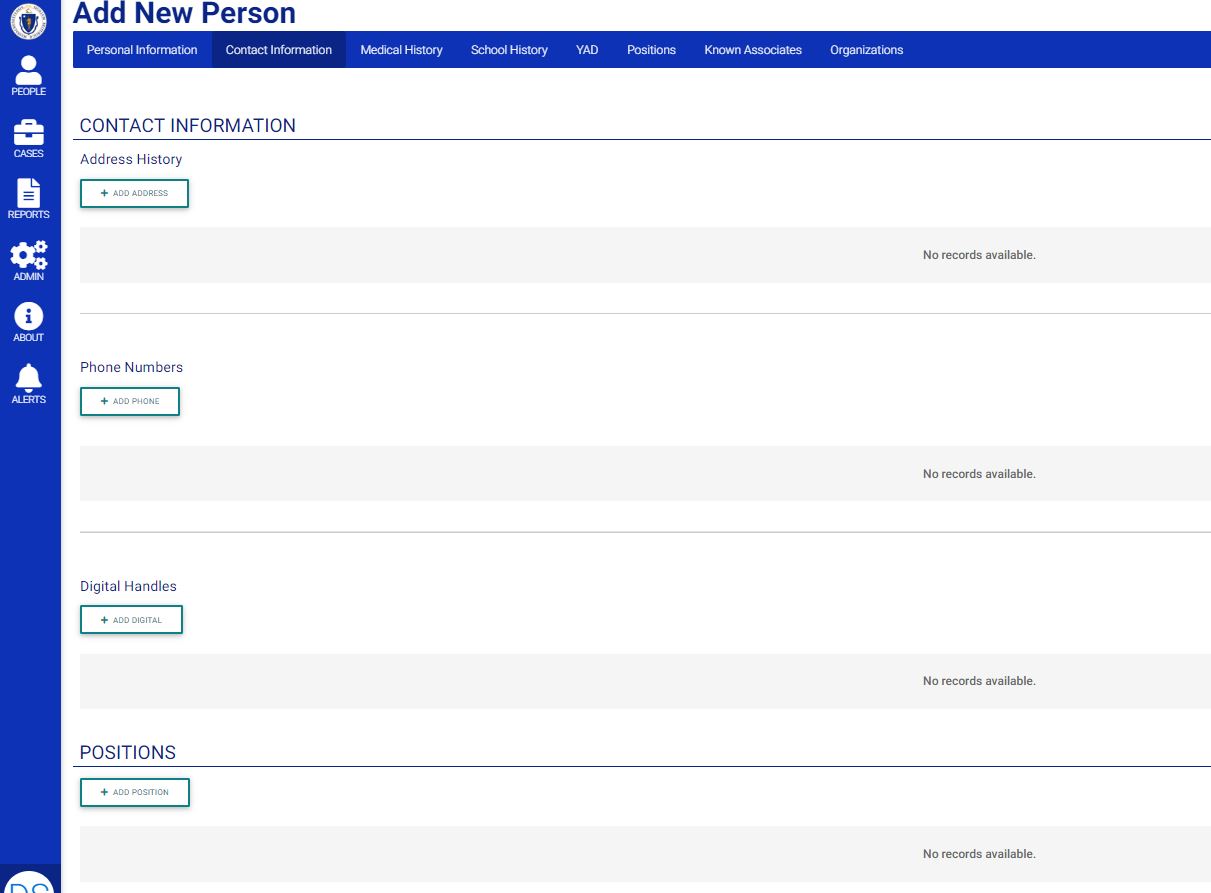
Add Person – Note the blue navigation bar (red arrow). Clicking on a section name takes staff directly to that section (so, less scrolling)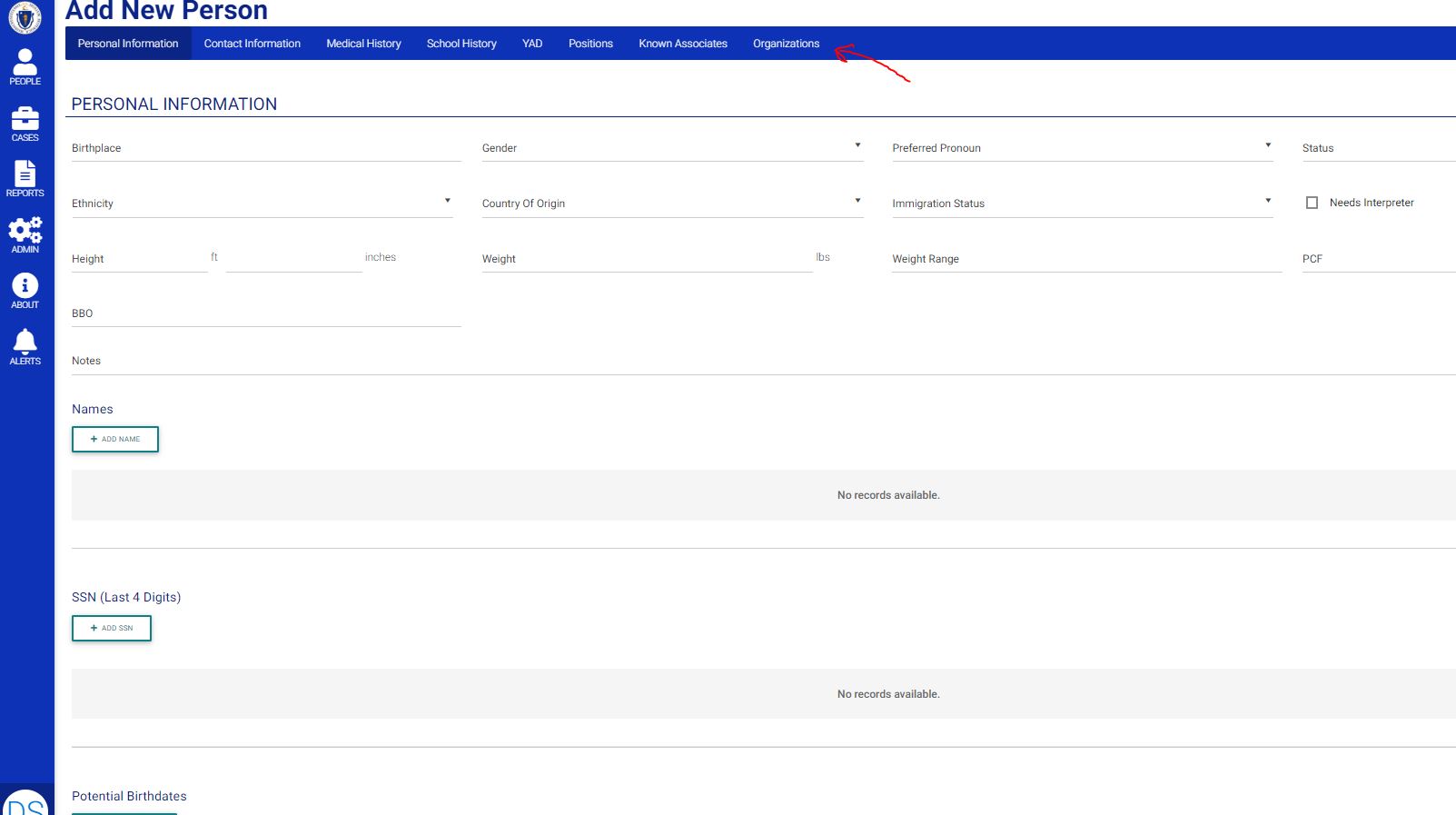

Adding Case Fields