Zoom Attendee Reports
Learn how to access attendance reports from your Zoom webinars and meetings, to confirm attendance for CLE credits
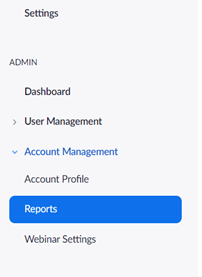
- From the Zoom website ( https://zoom.us/meeting ), go the bottom of the navigation bar on the left and select Account Management, then click Reports
- Select Usage Reports

- From the Usage Reports Screen, use the From & To dates to find the meeting you’re looking for:

- Once you’ve found the meeting, click the blue number in the Participants column.

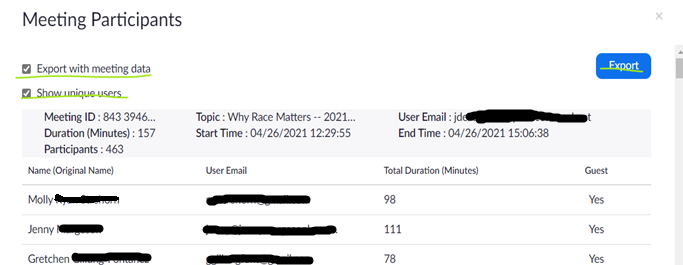
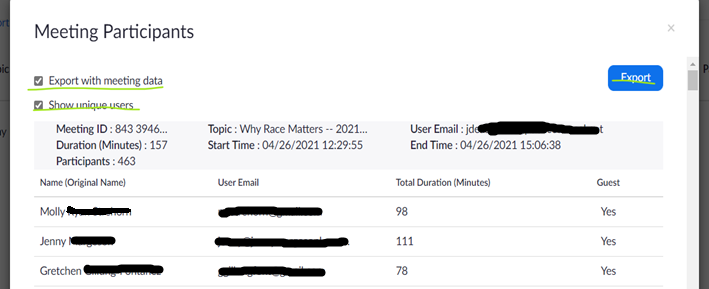
- Check both checkboxes, and then click Export